You can't buy data strength. You build it.
Google made data strength central at GML 2026. But it is not a setting you switch on. Here is what actually builds it: consent, server-side, and a warehouse.
Mark Rochefort•21 Jun 2026
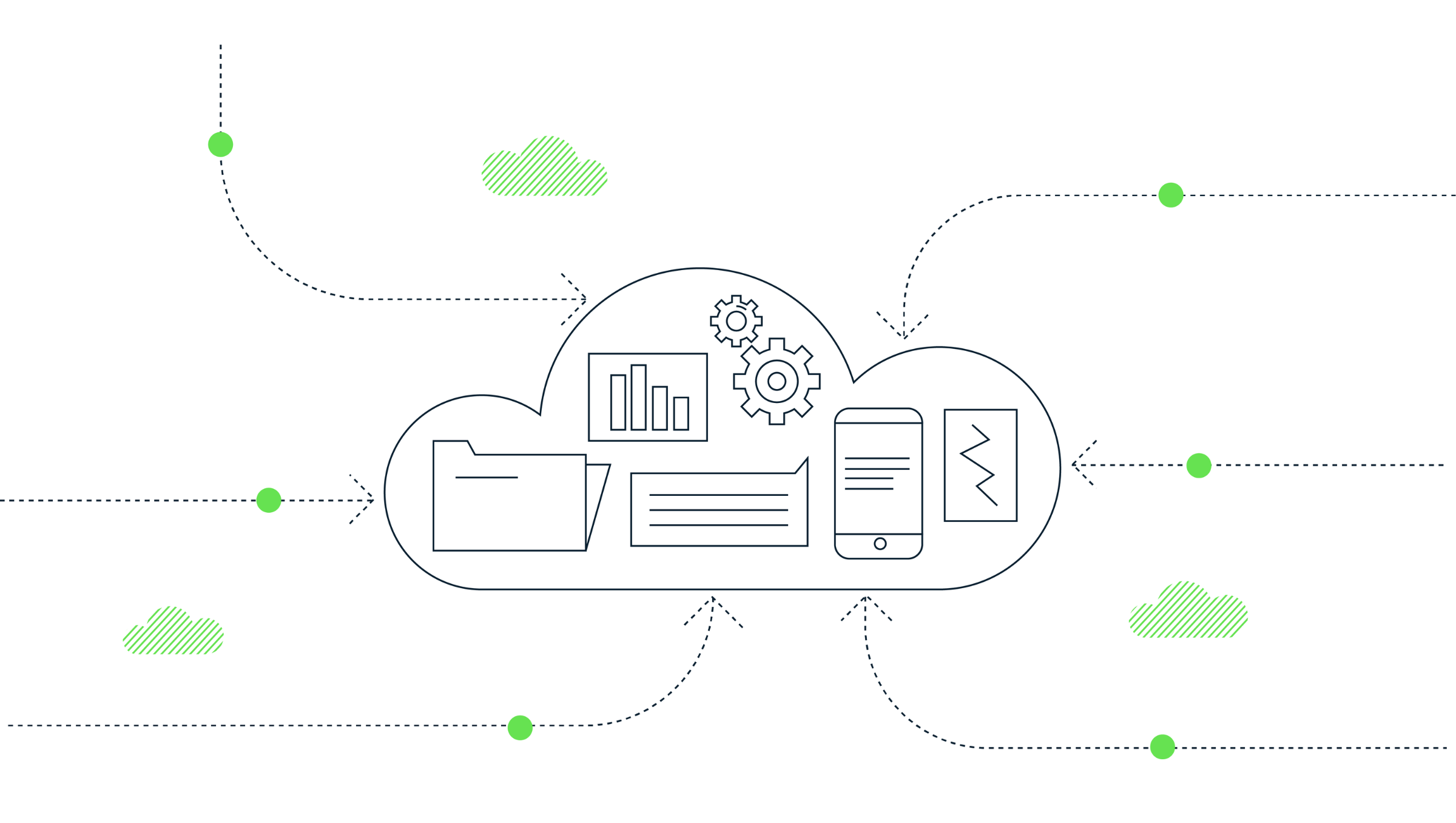
Google Analytics 4 (GA4) exports event data to BigQuery, enabling detailed user behavior analysis. However, GA4 batches events before sending them, making GA4 event sequencing in BigQuery more complex. Fortunately, three fields—batch_event_index, batch_ordering_id, and batch_page_id—help provide precise sequencing information.
For a full schema of the GA4 export, head over to google documentation.
This article breaks down these fields in a clear, practical way and shows how to use them together to reconstruct a user's journey in GA4 BigQuery exports.
Ever wondered if GA4 sends events in real time? Spoiler alert: it doesn’t! GA4 often groups multiple events together in a batch before sending them to improve efficiency. This means that events can arrive at the same time even if they actually happened in a specific order.
Picture this: A user interacts with a webpage and does the following:
If GA4 sends these events as a batch, they might appear in BigQuery like this:
| event_name | batch_event_index |
|---|---|
| button_click | 0 |
| scroll | 1 |
| view_product | 2 |
Even though they were transmitted together, batch_event_index keeps the correct event order intact.
While batch_event_index helps us analyse event order within a batch, batch_ordering_id tells us the order of different batches sent from a page.
We build intelligence platforms on BigQuery, Dataform and Google Cloud — from setup to ongoing optimisation.
A user browses a website and interacts with multiple elements. Due to network optimisation, their browser sends two batches of events instead of one.
| event_name | batch_ordering_id | batch_event_index |
| button_click | 1 | 0 |
| scroll | 1 | 1 |
| view_product | 2 | 0 |
| add_to_cart | 2 | 1 |
What this tells us:
button_click, scroll) were sent in batch 1.view_product, add_to_cart) were sent in batch 2.batch_event_index keeps track of the order.We’ve talked about tracking event order on a single page, but what about users navigating across multiple pages in one session? That’s where batch_page_id comes in.
batch_page_id.Let’s say a user moves through a website:
batch_page_id = 1)batch_page_id = 2)batch_page_id = 3)| event_name | batch_page_id |
| page_view (home) | 1 |
| button_click (home) | 1 |
| page_view (product) | 2 |
| add_to_cart (product) | 2 |
| page_view (checkout) | 3 |
To accurately reconstruct a user’s journey, we need to use all three fields together.
SELECT
  user_pseudo_id,
  event_name,
  event_timestamp,
  batch_page_id,
  batch_ordering_id,
  batch_event_index
FROM `project.dataset.events_*`
WHERE _TABLE_SUFFIX = FORMAT_DATE('%Y%m%d', DATE_SUB(CURRENT_DATE(), INTERVAL 1 DAY))
ORDER BY user_pseudo_id, batch_page_id, batch_ordering_id, batch_event_index;batch_page_id)batch_ordering_id)batch_event_index)This lets us accurately rebuild a user’s journey step-by-step, even when GA4 sends events in batches.
GA4’s batching system improves efficiency, but it also adds complexity. By using batch_event_index, batch_ordering_id, and batch_page_id, we can reconstruct user interactions with confidence. These fields are essential for:
Using these fields in BigQuery unlocks deeper insights into customer journeys, helping you make better, data-driven decisions.
Have you started using these fields in your GA4 analysis? What challenges have you faced in reconstructing user journeys? Let’s discuss!
We build intelligence platforms on BigQuery, Dataform and Google Cloud — from setup to ongoing optimisation.
Take our short assessment to find out where your data stack stands and what to prioritise next.
Google made data strength central at GML 2026. But it is not a setting you switch on. Here is what actually builds it: consent, server-side, and a warehouse.
UK universities face a deficit crisis. Student Recruitment Intelligence can transform Clearing from chaos to precision.
In this 30-minute session, we unpacked what we had been experimenting with using Google’s conversational AI to spend less time wrangling data and more time actually learning from it.