How to use the BigQuery Data Transfer Service for Google Ads
Natalia Rizzi·22 February 2022·2 min read
The BigQuery Data Transfer Service is a tool the GCP provides to automate data movement into BigQuery on a scheduled, managed basis without having to write any custom code. The supported data sources include YouTube, Google Play, Google Ads and many other Google and 3rd party tools.
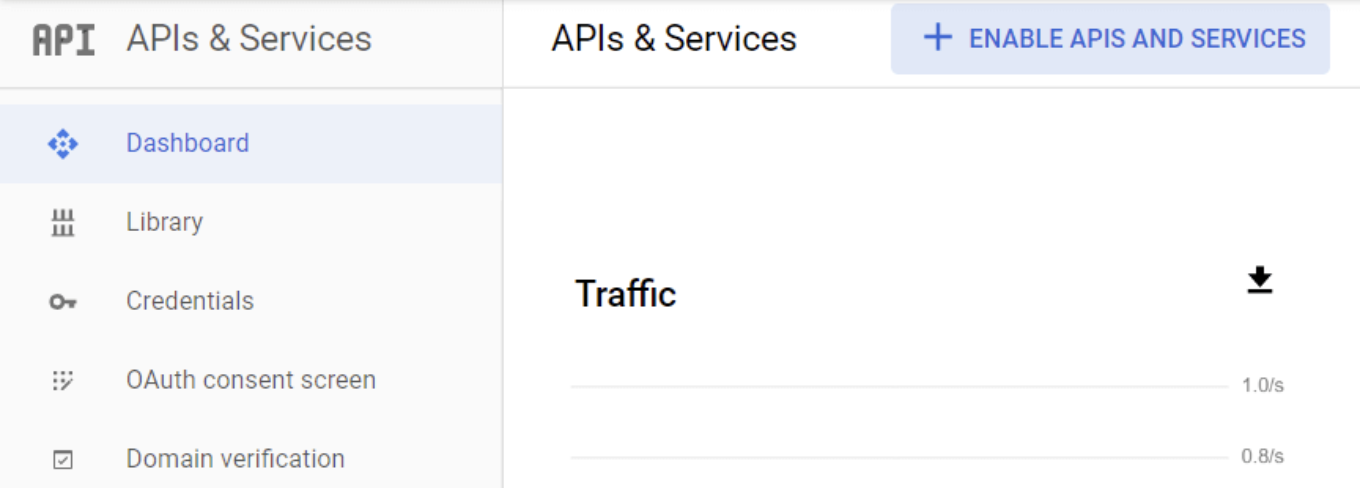
To use the BigQuery Data Transfer Service, first of all, you need to activate the BigQuery API. To do this, go to “APIs & Services” from the GCP side menu and select “Library”.
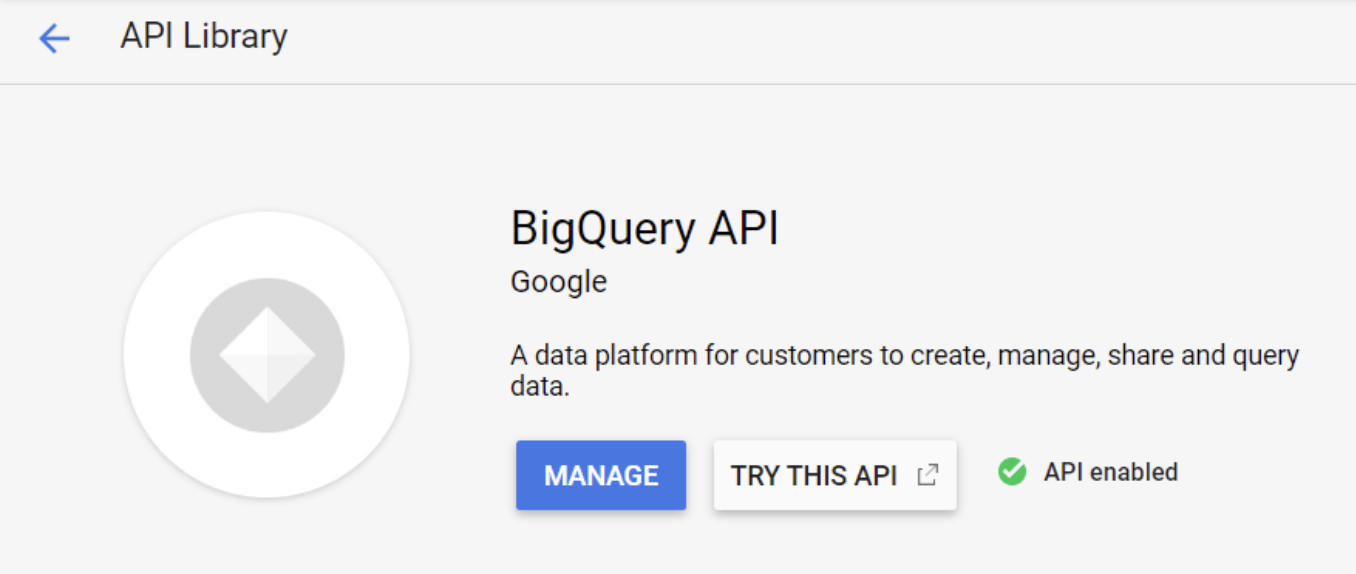
Once you are in the Library, search for “BigQuery API” and check if the API is enabled. If it is enabled, you can go straight to the next step. If the API is not enabled, then click “Enable”.
To use the API, you’ll need to create the credentials. So, from APIs & Services, click “Credentials”.
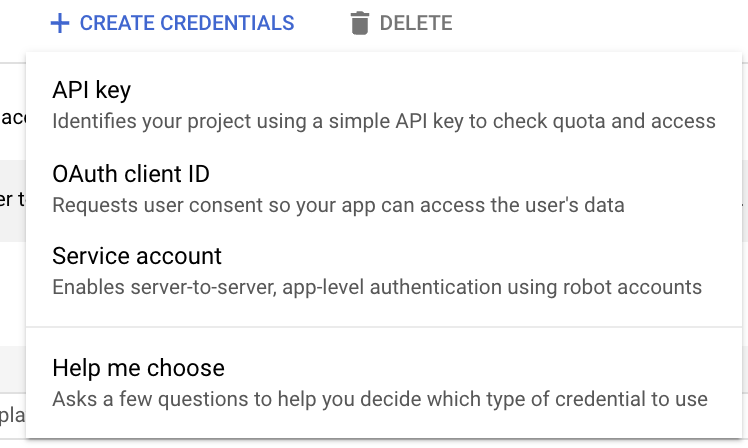
Once you’re on the Credentials page, click on the top menu bar on “Create Credentials”, and then click on “Help me choose”.
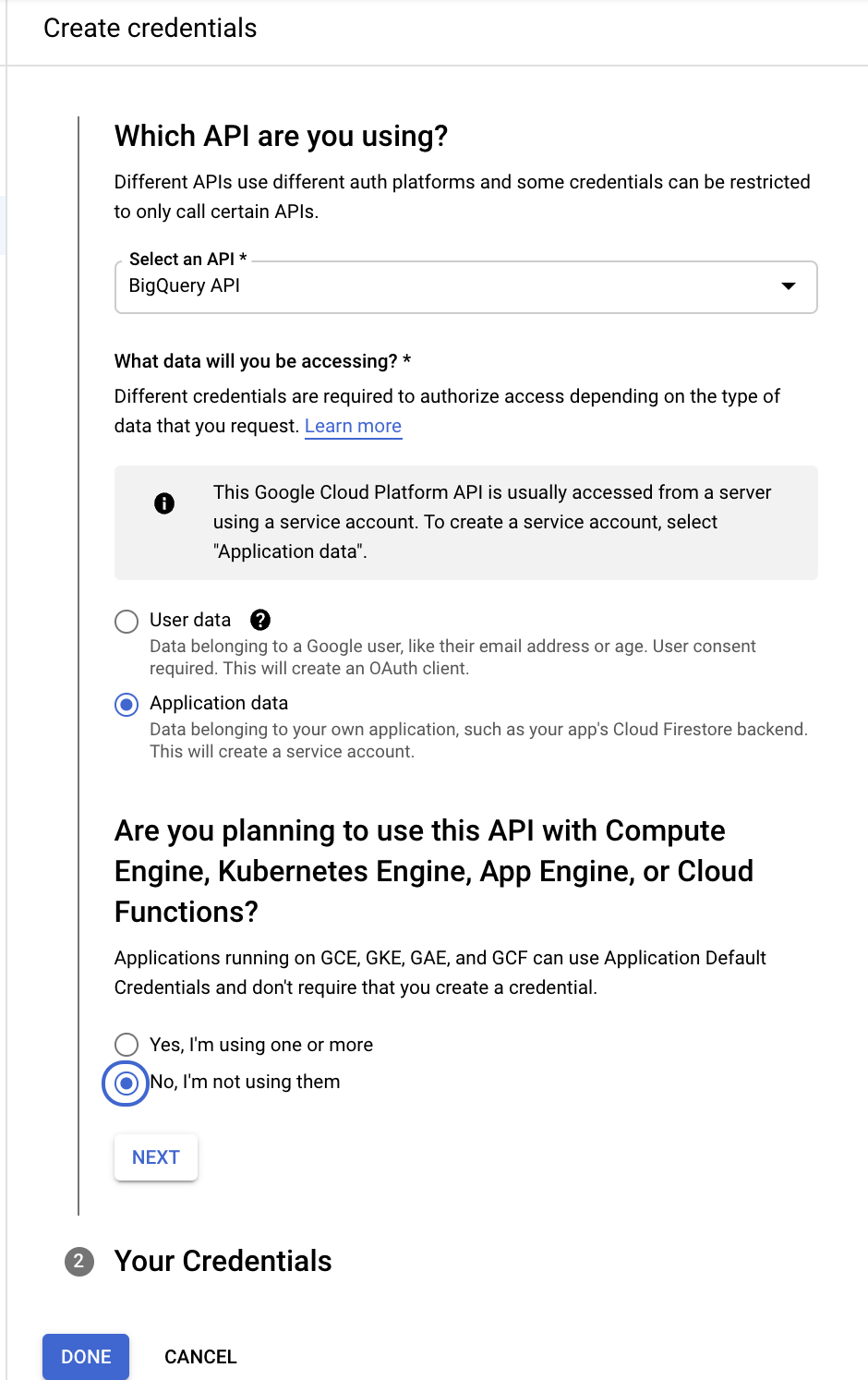
In this case, we are going to select “BigQuery APIs”, fill out the form (like the one below), and click done.
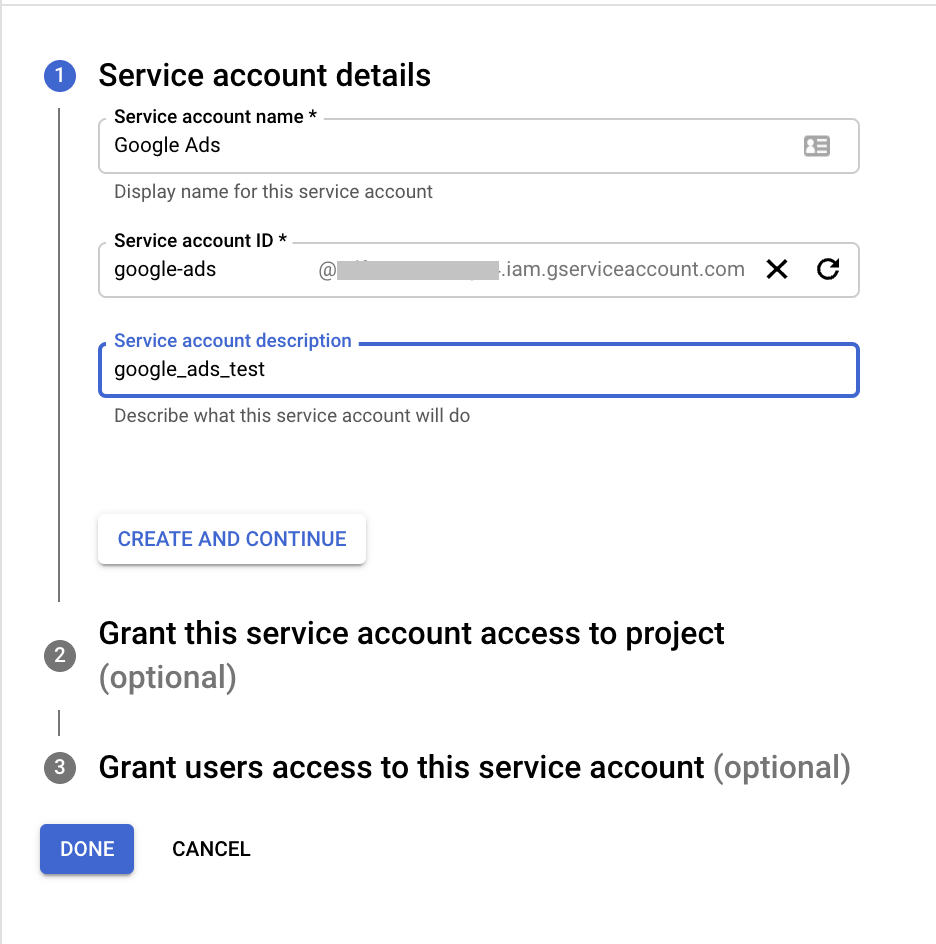
After you click done, you’ll need to create the name and the ID of the service account and click done.
Enabling the BigQuery data transfer
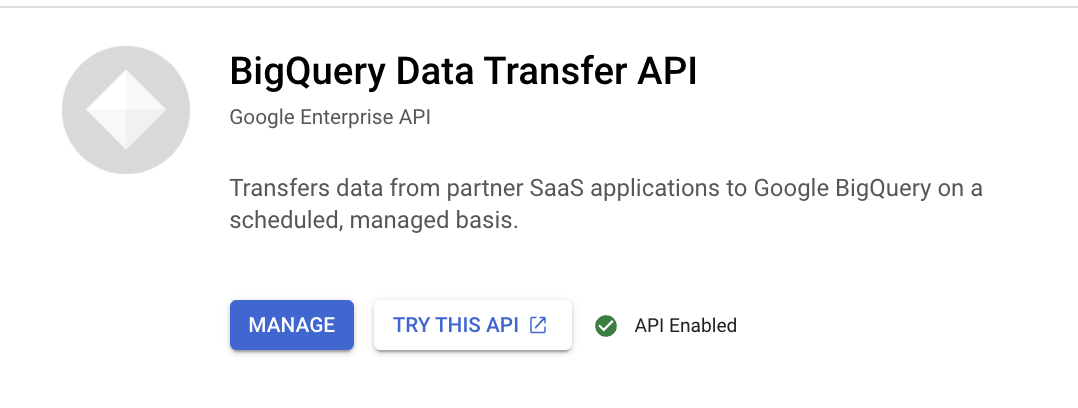
The next step is to enable the BigQuery Data Transfer API, so we go back to the GCP sidebar menu and click on “APIs & Services”. Go to Library and search for “BigQuery Data Transfer APIs”.
Check if the API is enabled. If it is enabled, you can go straight to the next step. If the API is not enabled, then click “Enable”.
Next, you need to go to “Data transfers” and click on “Create Transfer”.
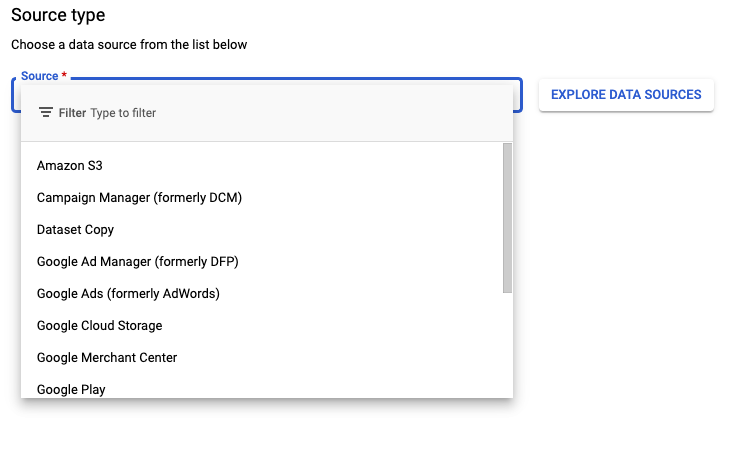
You’ll need to explore the different data sources and (in this case) select “Google Ads (formerly AdWords)”.
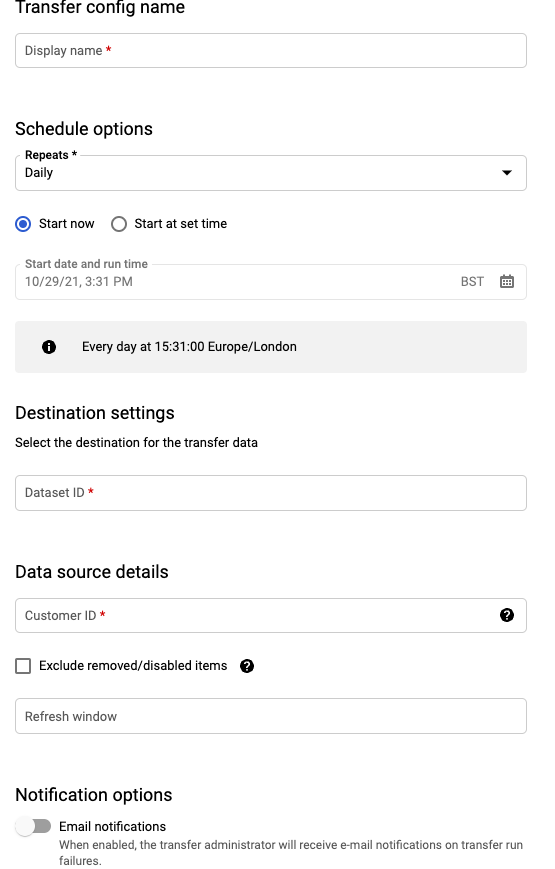
You’ll be asked to create the name of your transfer (it needs to be in a snake case format).
Pick the schedule options depending on your preference.
Add the Google Ads customer/account ID.
You can also set a Refresh Window (the default is the last 7 days, but I suggest 30 days).
Click “Save”.
Prerequisites
Have access to the Google Ads account (read-only should be enough)