What exactly is Google BigQuery?
As you might imagine, Google has A LOT of data: device installation data, crash reports, spam within Gmail and petabytes more. To store and analyse this data they developed an internal tool called Dremel. The architecture of Dremel was optimised for the analysis of billions of rows of data at lightning-fast speeds.
In 2011, Google released BigQuery, the “external version” of its home-brewed Dremel, allowing customers to store and analyse their data in the cloud - the Google Cloud Platform (GCP) to be precise.
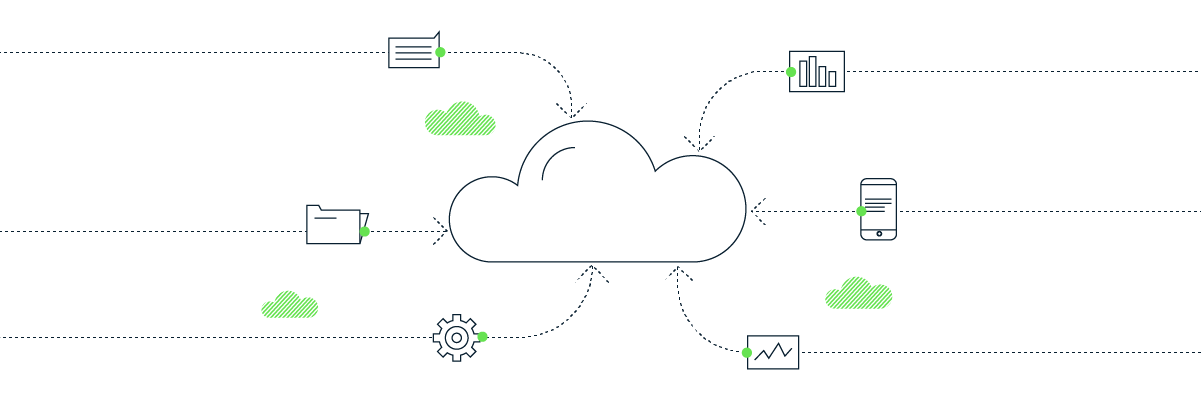
BigQuery data warehouses are highly secure and available. They can easily ingest data in a variety of formats, from multiple sources, which can then be queried using SQL, Python, SAS and R, and/or visualised using tools like Google Data Studio, Looker and Power BI.
With such a powerful platform and a plethora of possibilities, where and how do you get started exploring the potential?
Begin with Google Analytics 4 data
Unlike Universal Analytics (UA), the recently-released Google Analytics 4 (GA4) won’t store your data indefinitely. Boo! However, Google does offer a native (and free) connection between GA4 and BigQuery to allow you to stream and store all your raw event data. Yay!
There’s no backfill for historical data already collected in GA4, so it’s best to connect ASAP. Once connected, BigQuery enables you to preserve an unlimited historical view of your web and app data (without the constraints of sampling).
You now have the opportunity to correct any errors or inconsistencies and to analyse across an unlimited number of custom dimensions using super-fast SQL. It also gives you the opportunity to experiment with Google’s rapidly advancing out-of-the-box machine learning models - once there’s sufficient data to work with.
Combine old and new web analytics data
After implementing a new Google Analytics 4 property, one client was keen to see how KPIs like session counts and page views were tracking versus historic benchmarks created using data from Universal Analytics.
We used a proprietary data pipeline for a one-off import of the historical UA data into BigQuery. Once validated, we set about mapping and joining the UA data with the GA4 data in a single table.
Using this table as the source, we were able to build a reporting dashboard in Google Data Studio so the client could see for themselves how performance is trending month-on-month and year-over-year. They can now gauge the impact of their optimisation efforts as fresh GA4 data is added daily through the built-in connector.
Even though it’s designed to be a marketing tool, we often find Google Analytics is underused when it comes to digital campaign measurement.
One particular client was unable to tell which of its digital ads were over-or under-performing. With no associated spend tables, they had no way to optimise their investments based on outcomes.
The solution we proposed was a “lean” BigQuery data warehouse. We first ingested campaign data including impressions, clicks and spend from Google Ads and Facebook, before stitching it together with Google Analytics data in a single table. Our advanced analytics consultants then built a suite of reports to enable in-house analysts to independently evaluate end-to-end performance, with the ability to drill down by geography, channel, campaign and creative execution.
With this level of insight, it’s no surprise the client has been able to reduce marketing spend significantly while continuing to improve yield.
Go further down the funnel: integrating CRM data
With data stuck in disparate files on various peoples’ drives, this client had no way to fully understand and analyse customer profiles, behaviour and spending patterns. Sound familiar?
Measurelab was tasked with importing and joining multiple CSV files together to gain a single customer view. The solution had to allow for regular updates to the CRM data and future enrichment with additional data sources.
Our engineers were able to automate the process for ingesting the data from CSV files, then normalising it using a combination of GCP tools and Python. Funnel was used to pipe in additional data from social media channels, so it could be combined in the BigQuery data warehouse. Our team of advanced analysts were then able to create reports providing the required customer insight and build models to estimate future demand.
How much does BigQuery cost?
Not as much as you might think/fear.
Your first 10 GB of data storage is free, then it’s 2 cents per additional gigabyte. Google charges 1 cent per gigabyte for “inactive” data that has not been updated in 90 days. As for data-processing costs, the first 5 terabytes costs $5, then it’s $5 per additional TB.
To put this into context, a single GA4 property with 45 million events per month would have a monthly storage cost of between $3-10 - about the price of a London pint (or a round in Wetherspoons).
It’s easy to track costs via the GCP interface, but if you prefer, there’s a Cloud Billing data export to BigQuery, which can be connected to your preferred reporting tool. We track our clients’ BigQuery spend at Measurelab in this exact way.
How you can get started
As you might expect, it’s worth spending a bit of time up-front to ensure you set out on the right foot. We recommend an initial consultation to understand what you’re looking to achieve, where exactly you want your data located and who’s going to need to access it.
We can then set up a GCP project and BigQuery instance on your behalf, or walk your team through the process. We’ll ensure you have billing and access set up correctly, with documentation and guidelines for naming conventions in place, before we begin streaming in the GA4 data. Finally, we can run GA4 and BigQuery training sessions with your team to familiarise them with the interface and open their eyes to what’s possible.
Keen to get started on your BigQuery adventure? Get in touch today.