Companion piece to Measure Pod #139 with Colin Zima and #98 with David Jayatillake
Your warehouse is full of tables. Your agents can query them. The question is whether they'll get the same answer.
Ask three different agents "what's our monthly revenue?" and you'll get three different numbers. Not because the data is wrong - because nobody defined what "revenue" means in a way machines can consistently resolve. Is it gross or net? Recognised or invoiced? Including refunds or not? Each agent makes its own assumption, and none of them tell you which one they picked.
This is the problem a semantic layer solves.
A semantic layer is a definitions layer
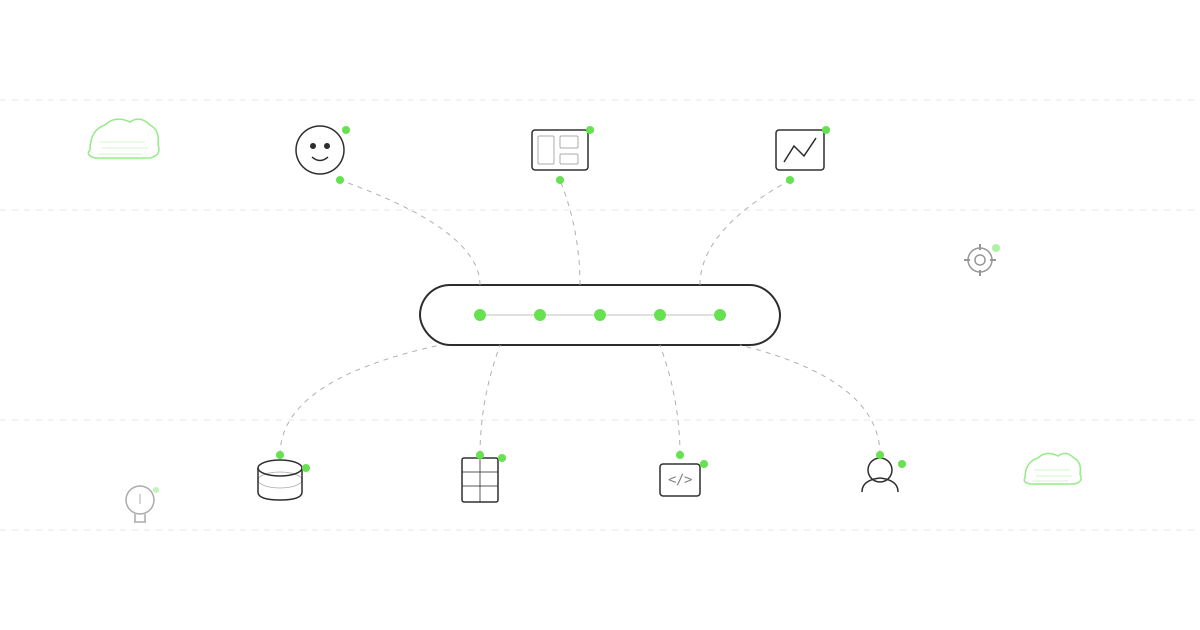
At its simplest, a semantic layer sits between your data warehouse and the things that query it - dashboards, models, agents, analysts. It defines:
- What your metrics mean. Revenue is net of refunds, recognised at invoice date, excluding internal transfers. Written once, resolved everywhere.
- Where the data comes from. When two sources disagree, which one wins? The semantic layer encodes that hierarchy.
- How entities relate. A "customer" in your CRM isn't the same grain as a "user" in GA4. The semantic layer maps between them.
- What business logic applies. Fiscal year boundaries, currency conversion rules, regional definitions. The stuff that lives in someone's head until they leave.
None of this is new. Good analytics teams have always maintained metric definitions somewhere - a spreadsheet, a wiki, a Dataform model with comments. The difference is that a semantic layer makes those definitions machine-readable and enforceable.
Why this matters now more than it did two years ago
Two years ago, the path from data to decision ran through a human. An analyst wrote a query, checked the output, and built a dashboard. The definitions lived in their head, and that was fine - they'd catch inconsistencies before anyone saw them.
That path has collapsed. AI agents now query your warehouse directly. They generate SQL, execute it, and return answers in seconds. The analyst isn't in the loop. And the definitions that lived in their head? The agent doesn't have them.
This is what David Jayatillake described on the podcast as "the governance gap." The warehouse was never designed to be self-describing. It stores data, not meaning. When the access layer was a human analyst, that didn't matter. When the access layer is an autonomous agent, it matters enormously.
What goes wrong without one
The failure modes are predictable:
Conflicting numbers. We worked with Springer Nature where Marketing, Product and Finance each produced different revenue figures from the same underlying data. Different query logic, different filters, different assumptions. It took a unified Dataform architecture to get them within 2% of each other. Now imagine three agents with the same problem - except nobody notices the discrepancy because the numbers arrive instantly and confidently.
Invisible errors. An agent that hallucinates is obvious. An agent that returns a plausible but subtly wrong number is dangerous. Without governed definitions, there's no way to distinguish a correct answer from a confident one.
Ungovernable access. As organisations deploy more agents across more data sources, the question isn't "can the agent access the data?" - it's "should it, and does it know what it's looking at?" A semantic layer provides the guardrails.
What a semantic layer actually looks like
In practice, it's a set of definition files - typically YAML or SQL - that encode your business logic as infrastructure. At Measurelab, we've built SEAM (Semantic Engine for Agent Mediation) to do this specifically for AI agents. The architecture is:
- Definition files - YAML-based metric definitions, source hierarchies, entity resolution rules, temporal context
- A compiler/validator - checks definitions for consistency before deployment
- A context resolver - translates agent queries into governed SQL at runtime
- Agent middleware - sits in the tool-call path (via MCP) so every agent query passes through governance
- Audit logging - records what was queried, how it was resolved, and what was returned
The key principle: definitions are infrastructure, not documentation. They're version-controlled, tested, and deployed like code. When someone changes the definition of "active user," that change is reviewed, approved, and propagated to every agent and dashboard simultaneously.
The unstructured data problem
Here's where it gets interesting. Traditional semantic layers only govern structured data - warehouse tables with defined schemas. But agents increasingly query unstructured sources: Slack messages, meeting transcripts, email threads, support tickets, internal documents.
No warehouse has ever governed this kind of data. SEAM does - by extending the same definition-and-resolution pattern to unstructured sources. The agent's access to a Slack channel is mediated through the same governance layer as its access to your revenue table. Same audit trail, same validation, same control.
Where to start
You don't need to boil the ocean. Start with your five most-queried metrics - the ones that show up in every board deck and every campaign report. Define them precisely. Encode the definitions. Route your most-used dashboard through them.
Once those five metrics are governed, extending to ten, then fifty, then to agent access becomes incremental. The hard part isn't the technology - it's getting agreement on what the metrics mean in the first place. If you're not sure where your organisation stands, our agent readiness assessment is designed to help you figure that out.
If you want to hear more, Colin Zima from Omni joins us on Measure Pod #139 to talk about AI and semantic layers in modern BI, and David Jayatillake on #98 covers the foundational thinking. And if you want to see how SEAM applies this to AI agents specifically, take a look at the product page.
Update — September 2026: SEAM continues to evolve as an approach to shared meaning and context for people and AI. The runtime described in this article was an earlier implementation of that concept.