#132 The impact of AI on digital experience (with Yali Sassoon at Snowplow)
Will Hayes-30 Oct 2025
Insights
Step-by-step guides, tutorials, and instructional content (117 posts)
Explore a topic across our insights
117 results · Page 1 of 7
AI expert Daniel Hulme, founder of Satalia, shares his journey from UCL PhD to entrepreneur, discussing AI, consciousness & deep tech.
Yali Sassoon joins The Measure Pod to discuss Snowplow’s growth, AI innovation, data challenges, and the future of user experience.
Johan van de Werken joins The Measure Pod to discuss GA4Dataform, BigQuery, and the future of analytics engineering and automation.
In this episode of The Measure Pod, Dara and Matthew sit down with Mark Edmondson, AI Engineer, founder of Sunholo, Aitana, and board member at 8-bit-sheep.
In this episode of The Measure Pod, Dara and Matthew sit down with Brian Clifton, the former Head of Web Analytics at Google (EMEA), author, and founder of Verified-Data.com and Advisor to Piwik PRO.
In this episode of The Measure Pod, Dara and Matthew sit down with Gunnar Griese from 8-bit-sheep to discuss MCPs and their growing role in digital analytics.
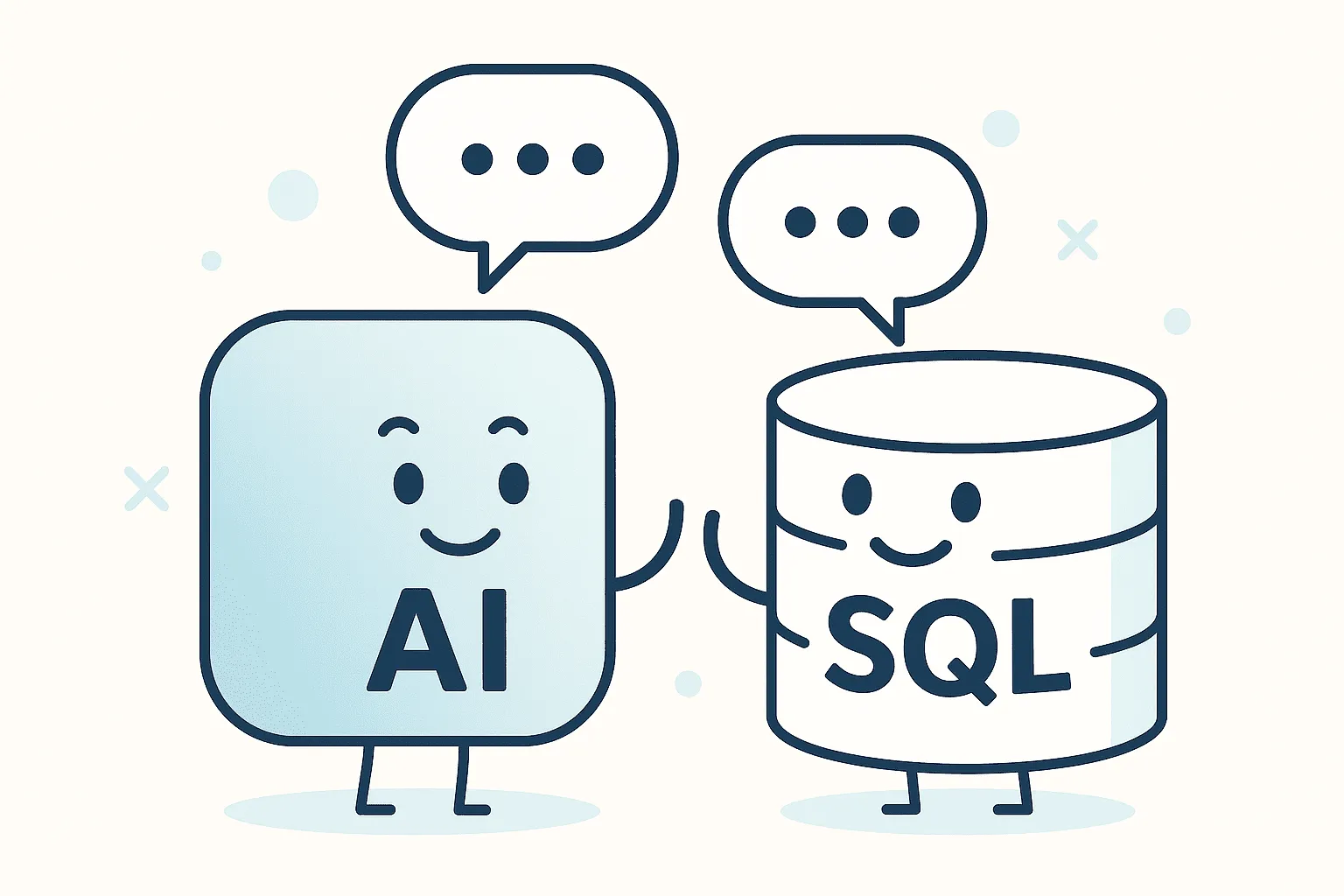
BigQuery just got a major upgrade, you can now plug directly into Vertex AI using the new AI.GENERATE function. Translation: your analytics data and generative AI are now best friends, and they’re hanging out right inside SQL. That opens up a whole world of new analysis options for GA4 data, but it also raises some questions: * How do you actually set it up? * What’s it good for (and when should you avoid it)? * Why would you batch the query? Let’s walk through it step by step. Step 1: H
In this episode of The Measure Pod, Dara and Matt welcome Josele Perez, co-founder of Trackingplan, to dive into the evolving challenges and opportunities in data collection.
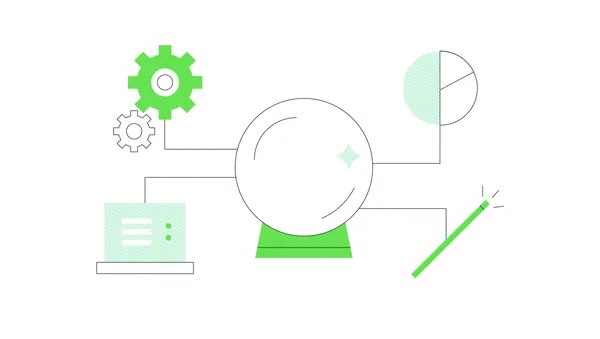
If you’d told me five years ago that I’d be forecasting product demand using a model trained on 100 billion time points… without writing a single line of ML code… I probably would’ve asked how many coffees you’d had that day ☕️ But its a brand new world. And it’s possible. Let me explain What is TimesFM? TimesFM is a new foundation model from Google, built specifically for time-series forecasting. Think of it like GPT for time, instead of predicting the next word in a sentence, it predicts t
In this episode of The Measure Pod, Dara and Matt are joined by Denis Golubovsky from Stape.io, the team making server-side Google Tag Manager implementation as simple as the click of a button.
In this episode of The Measure Pod, Dara and Mattew are joined by Antony Mayfield to talk about what 15+ years of digital transformation work actually looks like and how it’s changed.

In our recent engagement with a client, we went on a journey to transform their data pipelines, tackling inefficiencies in performance and cost within their Google Cloud BigQuery environment. Our efforts culminated in a comprehensive optimisation strategy that used Dataform, improved SQL practices, and implemented tailored solutions for significant performance gains and cost savings. Here’s a deep dive into the highlights of our project. Identifying inefficiencies in BigQuery workflows We beg
Dataform is a powerful tool for managing your data workflows in a structured, version-controlled, and automated way. Whether you're a beginner or an experienced data engineer, Dataform simplifies SQL-based transformations while integrating seamlessly with Google BigQuery. Although this blog offers a basic introduction to Dataform's functionality, users can achieve significantly more with Dataform. From advanced scheduling, parameterised queries, and dependency management to complex data modelli
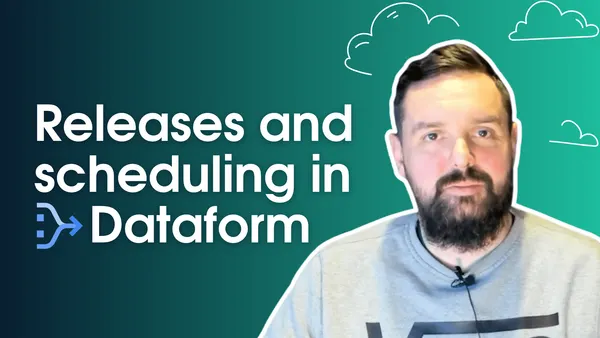
In this episode of Behind the Cloud, Matthew dives into the details of releases and scheduling in Dataform. He breaks down how to manage different versions of your codebase in GitHub. From taking snapshots, to scheduling executions at various intervals daily, hourly, or monthly. By the end of the episode, you’ll have the know-how to confidently release and schedule your code, making it easier to build robust tables and models with Dataform. Video transcript Introduction to releases and sche
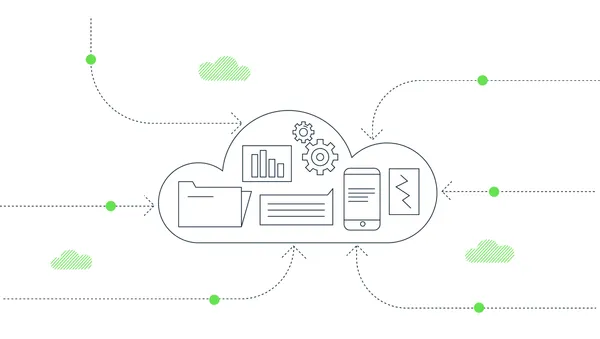
Google Analytics 4 (GA4) exports event data to BigQuery, enabling detailed user behavior analysis. However, GA4 batches events before sending them, making GA4 event sequencing in BigQuery more complex. Fortunately, three fields—batch_event_index, batch_ordering_id, and batch_page_id—help provide precise sequencing information. For a full schema of the GA4 export, head over to google documentation. This article breaks down these fields in a clear, practical way and shows how to use them togethe
BigQuery offers powerful scripting capabilities that can simplify complex workflows. In this post, we’ll explore two essential techniques: using IF...THEN...END IF for procedural control and leveraging the metadata in project.dataset.__TABLES__ to ensure your Google Analytics 4 (GA4) data is ready before running queries. These strategies help you avoid unnecessary processing, reduce costs, and improve efficiency in your data pipelines. 1. Leveraging IF...THEN...END IF for procedural logic Whi
In this episode of The Measure Pod, Dan and Bhav are joined by Ole Bossdorf, an analytics expert at venture capital firm Project A, which boasts a portfolio of over 120 companies.
In this week's episode of The Measure Pod, Dan and Bhav are joined by János Moldvay from Funnel to dive into the intricacies of Marketing Mix Modeling (MMM), Multi-Touch Attribution (MTA), and the future of marketing measurement.